Construction Site Perimeter Security: How to Protect Fence Lines, Gates, and Blind Spots After Hours

Most jobsite security failures do not start at the trailer door or the equipment row. They start at the edge of the site, where a loose fence panel, unmonitored gate, dark corner, or blocked sightline gives someone enough time to enter unnoticed.
Construction site perimeter security is the first layer of after-hours protection. It helps control who can enter, where vehicles can approach, how quickly suspicious activity is detected, and whether a response happens while the incident is still in progress.
For superintendents and project managers, the challenge is that the perimeter changes constantly. Fence lines shift. Gates move. New material stacks create blind spots. Temporary power, lighting, and internet may not be available where coverage is needed most.
Jobsite Sentry helps solve that problem with solar-powered mobile surveillance units, AI detection, Starlink connectivity, live human monitoring, two-way audio, video documentation, and mobile app access. This guide explains how to think through fence lines, gates, and blind spots so you can place monitored cameras where they reduce the most risk.
What Construction Site Perimeter Security Should Protect
Construction site perimeter security is more than temporary fencing. Fencing slows access, but it does not verify who is on-site, issue warnings, document activity, or notify the right people when something happens.
A practical perimeter plan should protect four things:
1. The boundary itself, including fence lines, panels, gates, corners, and temporary openings.
2. Access points where people, vehicles, deliveries, and subcontractors enter or exit.
3. High-value assets placed near the perimeter, such as generators, copper, lumber, fuel, tools, equipment, and appliances.
4. Low-visibility areas where someone can approach, climb, cut, crawl under, or hide from normal view.
The goal is not to cover every square foot with the same level of security. The goal is to identify the points where unauthorized entry is most likely and where a fast monitored response can prevent a small intrusion from becoming a theft, vandalism, fire, safety, or liability event.
Why the Perimeter Matters After Hours
After crews leave, the perimeter becomes the jobsite’s main control point. There are fewer witnesses, fewer legitimate vehicles, and more time for someone to test weak areas.
A locked gate is helpful, but a monitored gate is stronger. A fence line is helpful, but a fence line covered by AI detection and live video monitoring gives your team visibility when nobody is physically on-site.
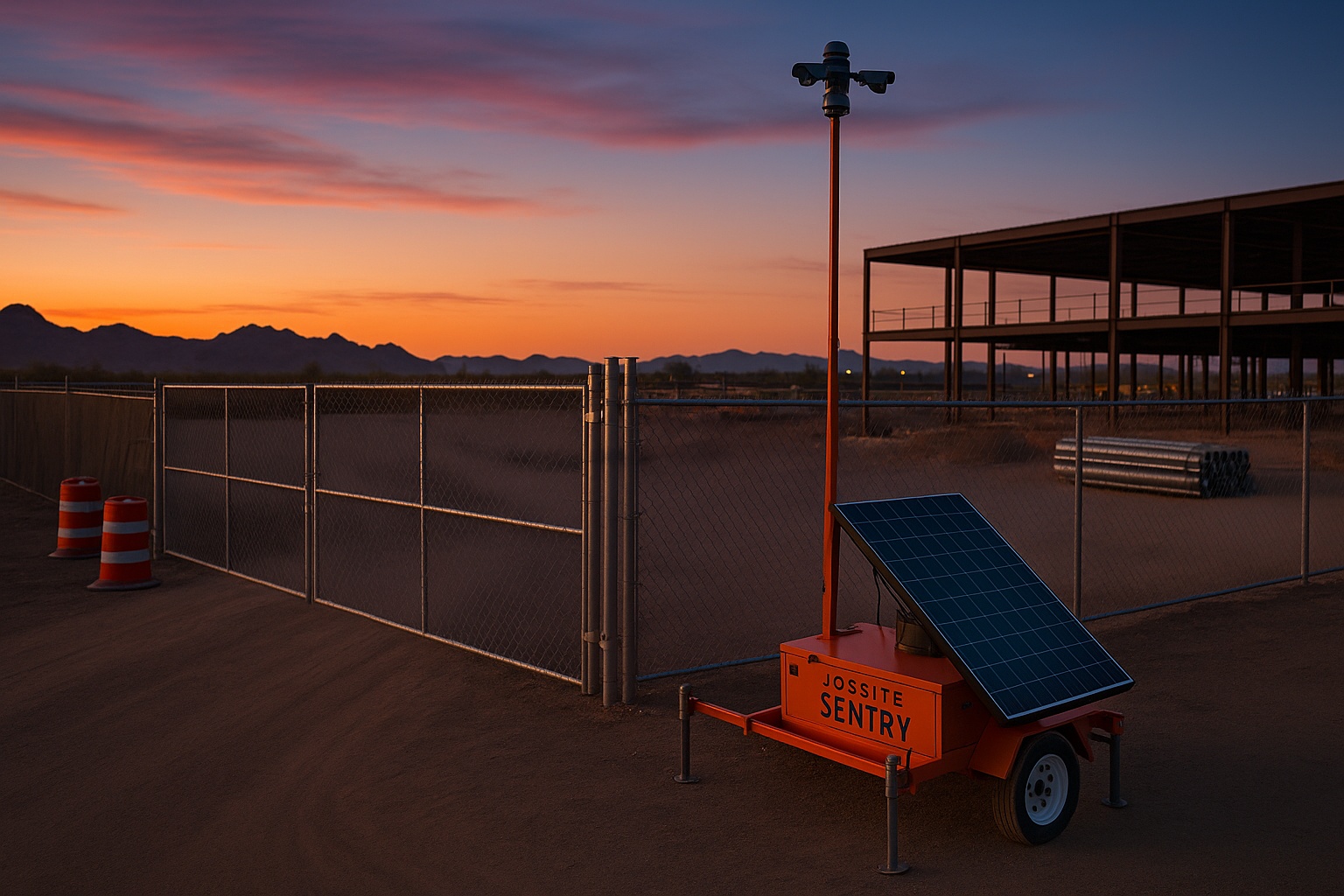
For temporary construction sites, mobile surveillance trailers and solar-powered camera units are often more practical than permanent infrastructure because they can be deployed without trenching, hardwired power, or fixed internet.
Start With a Perimeter Walk Before Placing Cameras
Before deciding where to place construction site security cameras, walk the perimeter the way an intruder would evaluate it. Do this during daylight first, then again at dusk or after normal work hours if site policy allows.
Look for the difference between what the site plan says and what actually exists on the ground. Temporary fencing may not follow the original layout. Gates may be chained differently than expected. A delivery route may have created a second access point. A material drop may have blocked a camera view that was clear last week.
Document each issue by location, risk level, and recommended action. If you are using Jobsite Sentry, this walkthrough can help determine where mobile surveillance units, PTZ cameras, monitored views, and detection zones should be positioned first.
What to Check During the Walk
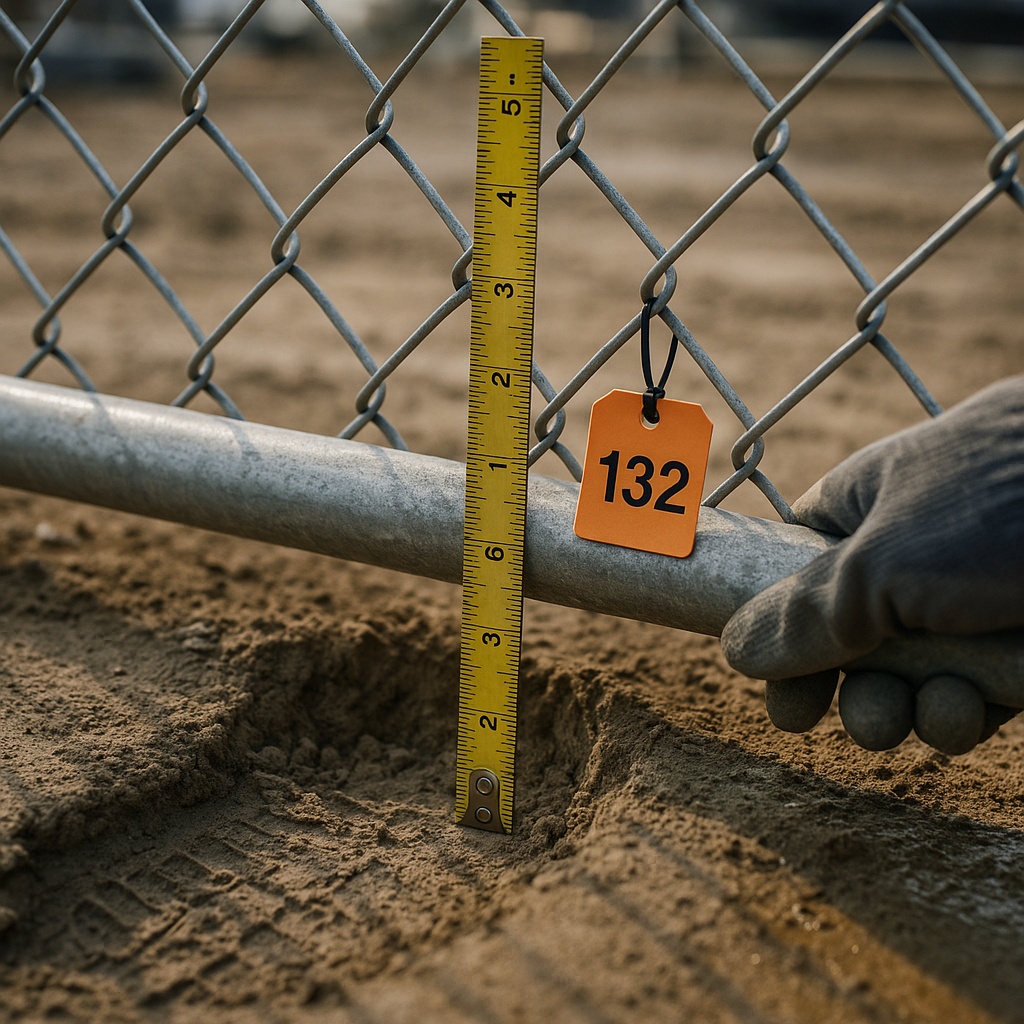
Focus on specific vulnerabilities instead of general impressions. Check for leaning fence panels, gaps under fence fabric, damaged clamps, open corners, poor lighting, blind approaches from alleys or vacant lots, stacked materials against the fence, and gates that can be lifted off hinges or forced open.
Also note nearby features outside the fence. A retaining wall, slope, parked vehicle, drainage ditch, or neighboring property can create an approach path that is not obvious from inside the site.
Rank Perimeter Risks by Priority
A simple priority ranking keeps the security plan practical.
High priority areas include main gates, secondary gates, fence gaps, public-facing fence lines, dark corners, access points near high-value materials, and areas where prior trespassing has occurred.
Medium priority areas include long fence runs, remote corners, delivery staging zones, and internal pathways leading from the perimeter to equipment or storage.
Lower priority areas may still need periodic review, but they do not always require the first camera view if stronger risks exist elsewhere.
Secure Fence Lines Without Depending on Fence Alone
Temporary fencing is a delay tool. It creates a boundary, communicates restricted access, and guides legitimate entry through gates. It should not be treated as a complete security system.
Fence lines need inspection, reinforcement, and visibility. A fence that is easy to lift, cut, climb, or hide behind can give trespassers enough time to reach equipment or materials before anyone knows they entered.
For after-hours jobsite theft prevention, pair physical barriers with monitored detection. A camera unit covering a vulnerable fence run can identify movement along the boundary, allow live operators to verify whether the activity is a real threat, and support faster escalation.
Fence-Line Hardening Steps
Tighten and resecure fence panels at corners and along uneven grade. Remove stacked pallets, trash bins, or materials that can be used as climbing aids. Keep sightlines open by trimming vegetation and avoiding unnecessary storage near the fence.
Use clear signage to mark the site as monitored. Signage will not stop every trespasser, but it supports deterrence when paired with visible cameras, lighting, and audio warning capability.
Where grade changes create gaps under the fence, consider additional barrier materials or repositioning. Small openings often become repeated access points if they are not corrected.
When to Add Camera Coverage to a Fence Line
Add monitored camera coverage when a fence line faces a public road, open desert, alley, vacant parcel, apartment complex, parking area, or any area where someone can approach without being seen by normal site activity.
Camera coverage is also important when high-value assets sit near the perimeter. If copper, tools, appliances, fuel, generators, lumber, or heavy equipment are staged close to the fence, the perimeter and the asset area should be considered together.
Protect Gates as the Most Important Perimeter Choke Points
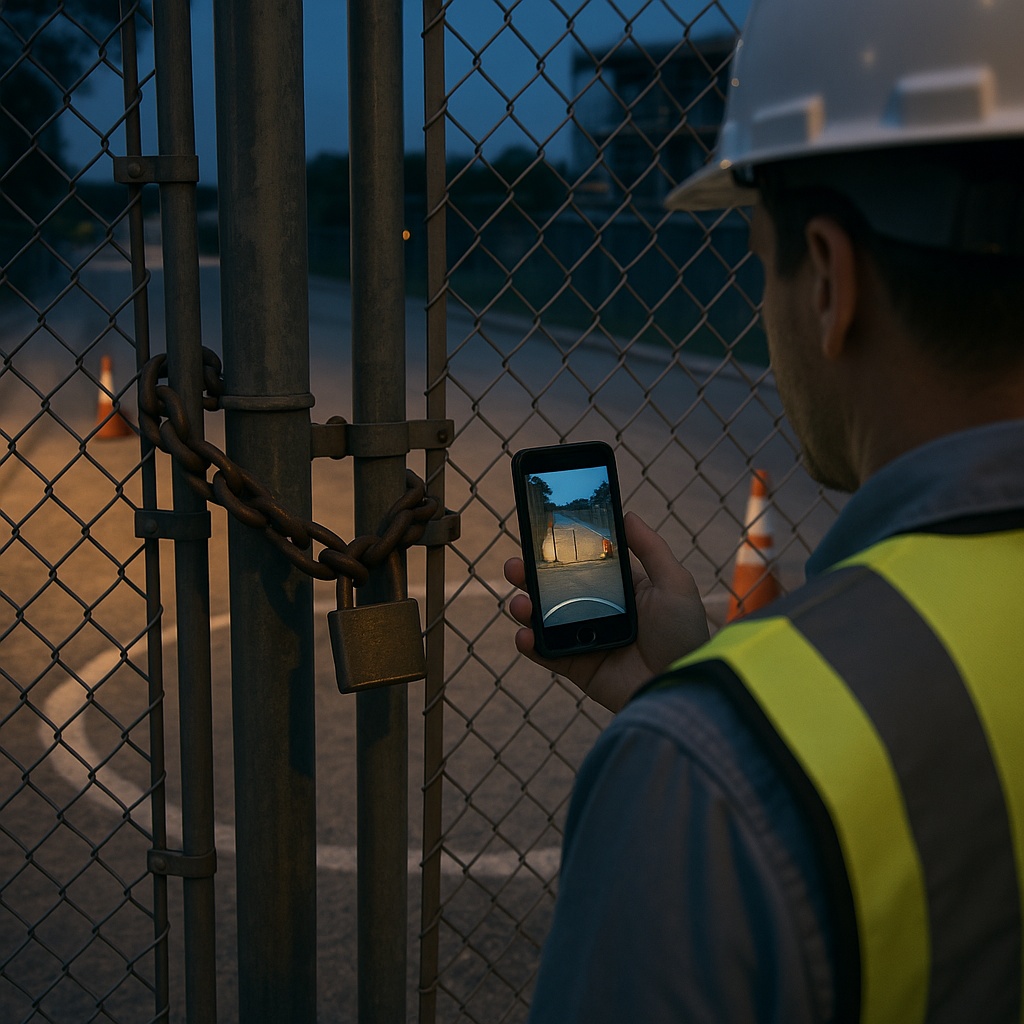
Gates deserve special attention because they are the easiest place for legitimate and unauthorized activity to blend together. Vehicles come and go. Deliveries may arrive early. Subcontractors may use different entrances. Locks, chains, and access instructions may change as the project moves through phases.
A good gate security plan controls access during the day and verifies activity after hours. For construction site perimeter security, the main gate is usually the first place to consider a monitored camera view.
What Cameras Should See at Gates
At minimum, a gate camera should capture the gate opening, approach path, lock or chain area, vehicle stopping point, and immediate interior route. If possible, include enough view to see whether someone is attempting to bypass the gate by walking around it, climbing it, or entering through a nearby fence weakness.
PTZ construction cameras can help operators zoom, pan, and follow activity across a wider gate area. Fixed views can also work well when the gate and approach are narrow and predictable.
Keep Gate Sightlines Clear
Avoid parking equipment, dumpsters, storage containers, or material stacks directly in front of gate views. A blocked camera may still record activity, but it may not provide enough information for live operators to verify intent or identify vehicles.
If gate conditions change, move the camera or mobile surveillance trailer. Temporary security has to follow the actual jobsite, not last month’s site plan.
Customize Monitoring Hours Around Gate Risk
Monitoring schedules should match the site’s real risk pattern. Nights, weekends, holidays, shutdowns, and weather delays often need different coverage than normal workdays.
Jobsite Sentry monitoring can be configured around site schedules so operators know when activity is expected and when it should be treated as suspicious. This helps reduce false alarms while keeping attention on true after-hours threats.
Find Blind Spots Before Intruders Do
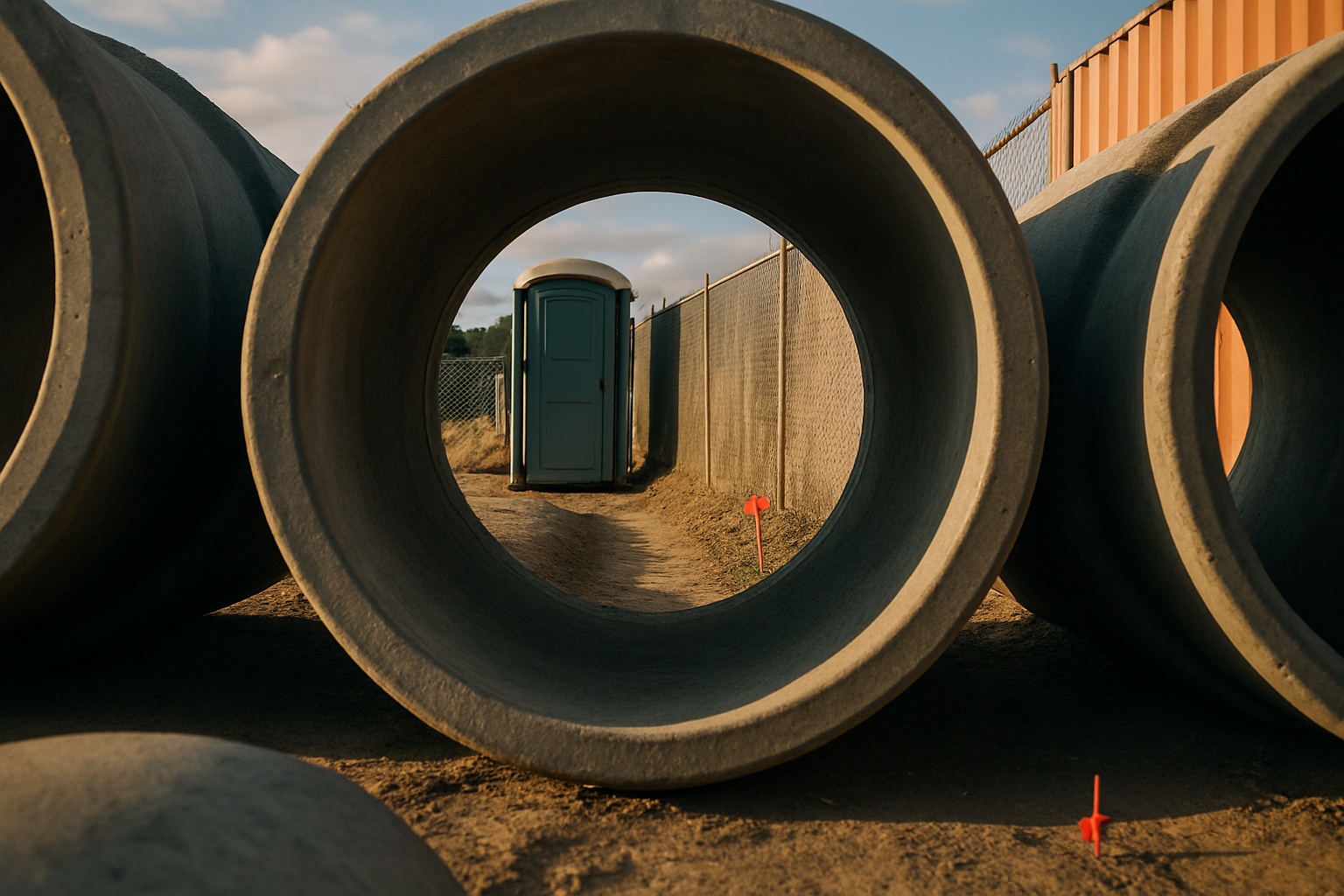
Blind spots are created when something blocks the view between the perimeter and the area you need to protect. They can be caused by storage containers, portable restrooms, trailers, scaffolding, earthwork, grade changes, stacked lumber, concrete forms, equipment rows, and building structures as they rise.
The hard part is that blind spots move. A clear sightline on Monday can become useless after a delivery on Wednesday. That is why construction site surveillance should be reviewed throughout the project, not only at mobilization.
Use the Outside-In Test
Stand outside the fence line where it is safe and legal to do so, then look into the site. Ask what you can approach without being seen. If you can identify a route to materials, fuel, equipment, or trailers that stays hidden from the main camera, that route is a blind-spot concern.
Then stand inside the site and look back toward the same area. This two-direction review often reveals obstructions that are not obvious from one side only.
Layer Views Instead of Relying on One Camera
One wide shot is rarely enough for a complex jobsite perimeter. A better approach is layered coverage: one view for the approach, one for the gate or fence breach point, and one for the asset area inside the site.
Mobile surveillance trailers are useful for broad perimeter coverage, while additional solar-powered security cameras can help close smaller sightline gaps as the site layout changes.
Place Mobile Surveillance Units Where They Can Detect, Verify, and Deter
Camera placement should support a full response cycle. It is not enough to record a blurry figure after a loss. The system needs to detect activity, verify whether it is suspicious, deter the person if appropriate, and document the event for follow-up.
Jobsite Sentry combines AI-powered detection with live human monitoring. AI can help identify activity involving people, vehicles, equipment, and materials. Live operators can review the event, use audio deterrents when appropriate, notify site contacts, and escalate to law enforcement based on the agreed response plan.
This matters because passive cameras often become useful only after the incident is over. Live monitored security cameras are designed to help intervene while the activity is happening.
Where to Position Units First
Start with perimeter locations that combine access risk and asset value. Common first placements include main entry gates, secondary gates, public-facing fence lines, fence corners near material storage, equipment staging areas near the boundary, and dark approach paths.
For larger projects, combine a mobile surveillance trailer with supplemental cameras so views overlap. Overlap helps operators track movement from the perimeter toward the interior of the site.
Power and Connectivity Considerations
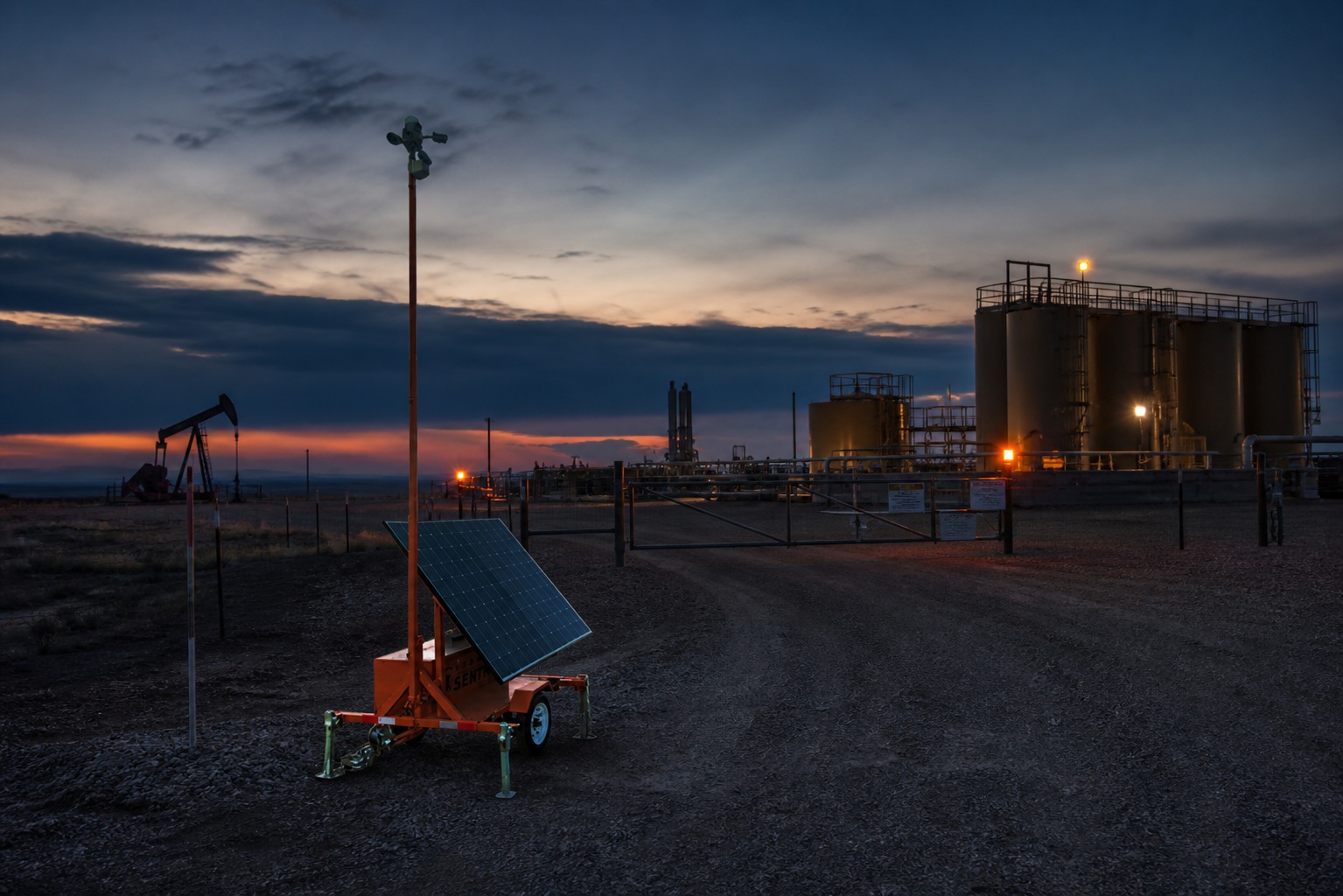
Many perimeter locations do not have reliable power or internet. Jobsite Sentry’s solar-powered camera trailers and units are built for temporary outdoor sites where trenching, generators, or wired service are not practical.
For remote jobsites, highway corridors, mining sites, oilfields, and industrial yards with weak cell service, Starlink-connected security monitoring can provide connectivity where traditional options may not be reliable.
Mobile App Access for Site Teams
Site managers need visibility without driving to the jobsite after every concern. With Jobsite Sentry’s command center and mobile app access, authorized users can view live streams, review playback, use PTZ controls, export clips, and manage multiple camera views from a phone or connected device.
Build a Clear After-Hours Response Plan
Perimeter security works best when everyone knows what should happen after suspicious activity is detected. Without a response plan, even good camera coverage can lead to confusion.
Your plan should define monitoring hours, authorized after-hours activity, escalation contacts, audio warning rules, law enforcement notification criteria, and how video clips should be exported for police reports, insurance claims, owner disputes, or compliance records.
The more specific the instructions, the easier it is for operators to separate normal jobsite activity from a real threat.
Reduce False Alarms Without Ignoring Real Threats
Construction sites have movement that can confuse basic detection systems. Wind, wildlife, moving fence screen, loose plastic, headlights, weather, and scheduled subcontractor work can all create noise.
AI detection helps filter activity, but live human verification is what gives the response more context. Operators can evaluate what is happening, compare it to the monitoring schedule, and decide whether the event needs deterrence, contact notification, or escalation.
Keep Contacts and Schedules Current
Update your monitoring instructions whenever the project schedule changes. If a concrete pour, night delivery, weekend crew, utility shutdown, or holiday closure is planned, the monitoring team should know.
Accurate schedules help prevent unnecessary escalations while keeping the site protected when activity is not authorized.
How Remote Video Monitoring Compares With On-Site Guards
On-site guards can be effective in certain environments, especially where access control, patrol presence, or public interaction is needed. But many construction sites struggle with guard cost, coverage gaps, fatigue, patrol limitations, and the challenge of documenting every part of a large perimeter.
Remote video monitoring gives site teams another option. Monitored cameras can watch multiple perimeter views at once, create video records, support audio deterrence, and provide after-hours visibility without requiring a person to physically patrol every fence line.
For many jobsites, the strongest plan is not a one-size-fits-all choice. It is a layered approach that uses fencing, lighting, access procedures, monitored cameras, and response protocols based on the site’s risk profile.
Cost Questions to Ask
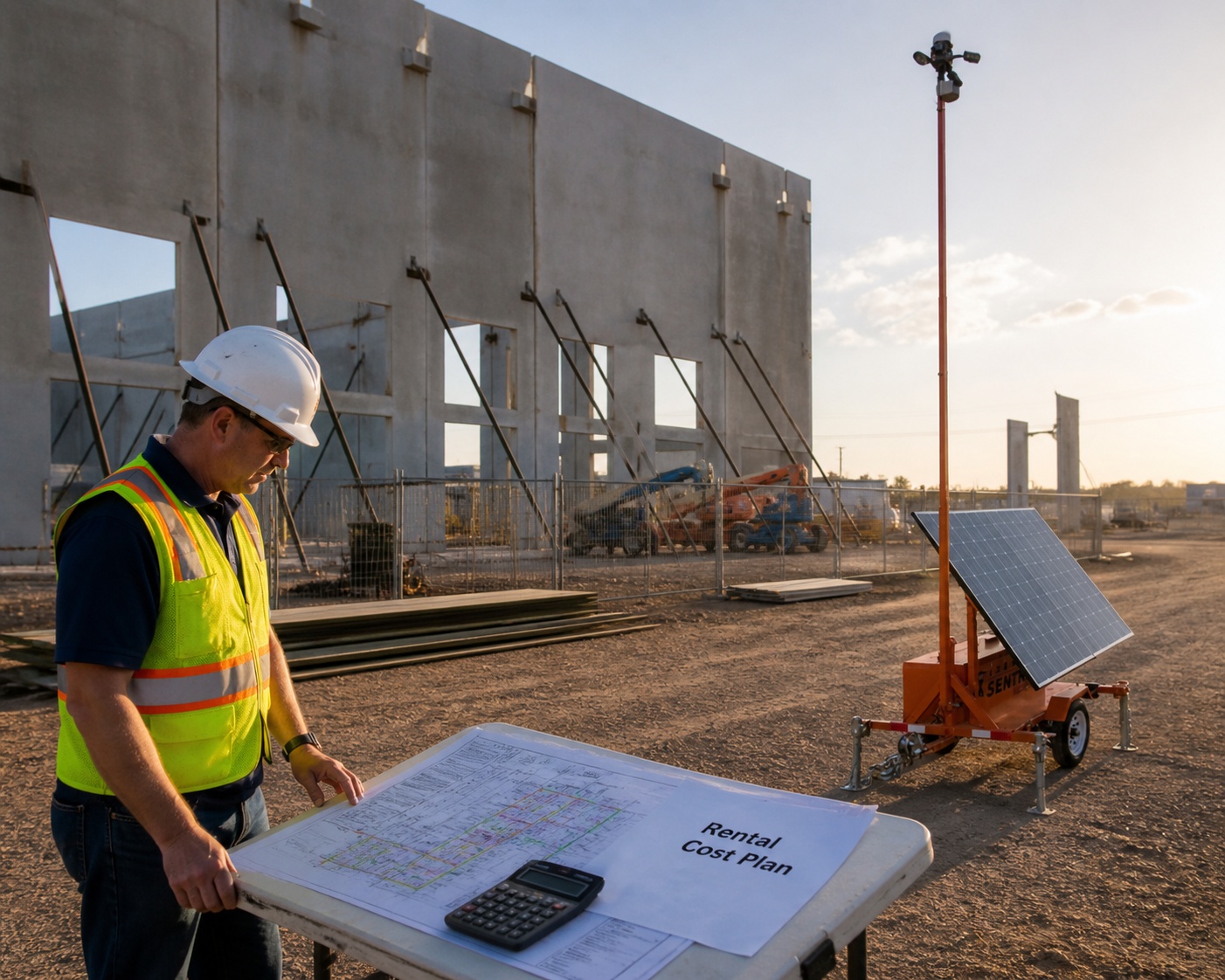
When comparing options, ask what is included in the monthly cost. Clarify whether the quote includes equipment, monitoring, setup, data, relocation, support, mobile app access, and cancellation terms.
Jobsite Sentry promotes transparent pricing, free consultation and site survey messaging, no long-term contract language, and live video monitoring advertised as low as $1.99 per hour. Confirm current pricing, availability, and terms with Jobsite Sentry before making a purchasing decision.
Perimeter Security Priorities by Jobsite Area
Use this priority table as a starting point when deciding where to focus construction site perimeter security first.
Main gate: Monitor the vehicle approach, gate opening, lock area, and interior route. This is usually the first camera priority.
Secondary gate: Verify whether it is used, locked, blocked, or forgotten after hours. Secondary gates often become weak points.
Long fence run: Look for cutting, lifting, climbing, or approach paths hidden from public view.
Fence corner: Check for panel separation, poor lighting, and limited visibility from the main trailer or roadway.
Material laydown near fence: Add coverage when high-value materials are staged close to the perimeter.
Equipment row near boundary: Watch both the perimeter approach and the equipment itself.
Blind spot behind containers or trailers: Add a secondary view or reposition the mobile unit.
Remote corridor or highway project: Consider solar power and Starlink connectivity where utilities and cell service are limited.
Update Perimeter Coverage as the Site Changes
A jobsite perimeter is temporary by nature. Treat your security plan as a living plan, not a one-time installation.
Review camera views after major deliveries, fence moves, phase changes, utility work, road closures, building dry-in, equipment mobilization, and demobilization. A mobile surveillance trailer can be relocated as the work shifts, and supplemental solar-powered cameras can be added where new blind spots appear.
The best time to adjust coverage is before a loss, not after the same weak point has been used twice.
When to Request a Coverage Review
Request a perimeter coverage review when new gates are added, high-value materials arrive, a laydown yard expands, the fence line changes, a long shutdown is scheduled, or trespassing has been reported nearby.
Jobsite Sentry can help evaluate the perimeter, identify high-risk areas, and recommend practical monitored camera placement based on how the site is actually operating.
People Also Ask
Q: How do you secure the perimeter of a construction site?
A: Secure the perimeter by combining intact fencing, locked and monitored gates, clear sightlines, lighting where practical, signage, AI-enabled cameras, live remote monitoring, audio deterrents, and a written after-hours response plan.
Q: Where should security cameras be placed on a construction site?
A: Place cameras at main gates, secondary gates, public-facing fence lines, fence corners, material laydown areas, equipment staging zones, fuel or generator areas, and blind spots created by containers, trailers, grade changes, or stacked materials.
Q: How can construction sites prevent trespassing after hours?
A: After-hours trespassing can be reduced by repairing fence weaknesses, limiting access points, marking the site as monitored, using live monitored cameras, issuing audio warnings when threats are verified, and escalating incidents based on a defined response plan.
Q: Do mobile surveillance trailers need power or internet?
A: Jobsite Sentry mobile surveillance trailers and camera units are solar powered and do not require wired power or permanent internet. Starlink connectivity is available for remote sites where cell service or wired internet is unreliable.
Q: Can monitored cameras replace security guards on a construction site?
A: Monitored cameras can reduce the need for certain guard coverage by watching multiple areas, documenting activity, and enabling remote response. Some sites may still use guards for specific access-control needs. The right approach depends on site size, risk, schedule, and owner requirements.
## Download the Construction Site Perimeter Security Checklist
Use this checklist to review fence lines, gates, blind spots, camera placement priorities, monitoring schedules, and after-hours response steps before your next shutdown or weekend closure.
[BUTTON: Download Checklist PDF]
Frequently Asked Questions
Q: How fast can Jobsite Sentry deploy a mobile surveillance trailer or camera unit?
A: Jobsite Sentry commonly promotes fast deployment, often within 24 to 48 hours depending on location, site conditions, availability, and access. Confirm timing during the consultation or site survey.
Q: Can live operators issue audio warnings?
A: Yes. When suspicious activity is verified, live operators can use deterrents such as audio warnings and follow the escalation instructions set for the site.
Q: Can footage be exported for police, insurance, or owner documentation?
A: Yes. Jobsite Sentry’s command center and mobile app support playback and clip export so site teams can preserve relevant footage for police reports, insurance claims, owner disputes, or compliance documentation.
Q: Can monitoring be customized for weekends, holidays, or shutdowns?
A: Yes. Monitoring schedules can be configured around nights, weekends, holidays, weather shutdowns, owner restrictions, or other periods when after-hours activity should receive closer attention.
Q: Can the equipment move when the site layout changes?
A: Yes. Mobile surveillance trailers and temporary camera units can be moved as the fence line, access points, laydown areas, and equipment staging zones change.
Conclusion
Strong construction site perimeter security starts with a clear understanding of how people can approach the site after hours. Fence lines, gates, and blind spots should be inspected regularly, covered strategically, and connected to a response plan that helps stop incidents while they are happening.
Jobsite Sentry helps construction teams move beyond passive recording with monitored mobile surveillance, AI detection, solar-powered deployment, Starlink connectivity, audio deterrence, and video documentation. If your site perimeter has changed, your security coverage should change with it.
## Request a Free Jobsite Sentry Perimeter Security Site Survey
Need help deciding where monitored cameras or a mobile surveillance trailer should go first? Jobsite Sentry can review your fence lines, gates, blind spots, connectivity needs, and after-hours risk areas. Our solar-powered units, AI detection, live monitoring, Starlink options, two-way audio, and mobile app access are built for active construction sites and remote outdoor assets.
Schedule Free Site Survey
Source References
- Occupational Safety and Health Administration, Construction Industry resources: https://www.osha.gov/construction
- Cybersecurity and Infrastructure Security Agency, Security and Resilience resources: https://www.cisa.gov/topics/physical-security
- Jobsite Sentry official website for service capabilities, monitoring features, deployment messaging, and consultation details: https://jobsitesentry.com/